🍅
Pomodoro
25/5 minThe classic rhythm with a 15-minute break every 4th cycle. The fixed beat makes starting easier and keeps energy steady across the day.
Break message: "Step away from the desk for five minutes."
A free break timer that actually gets you out of the chair: Pomodoro, posture and 20-20-20, on the web, Windows and soon Android.
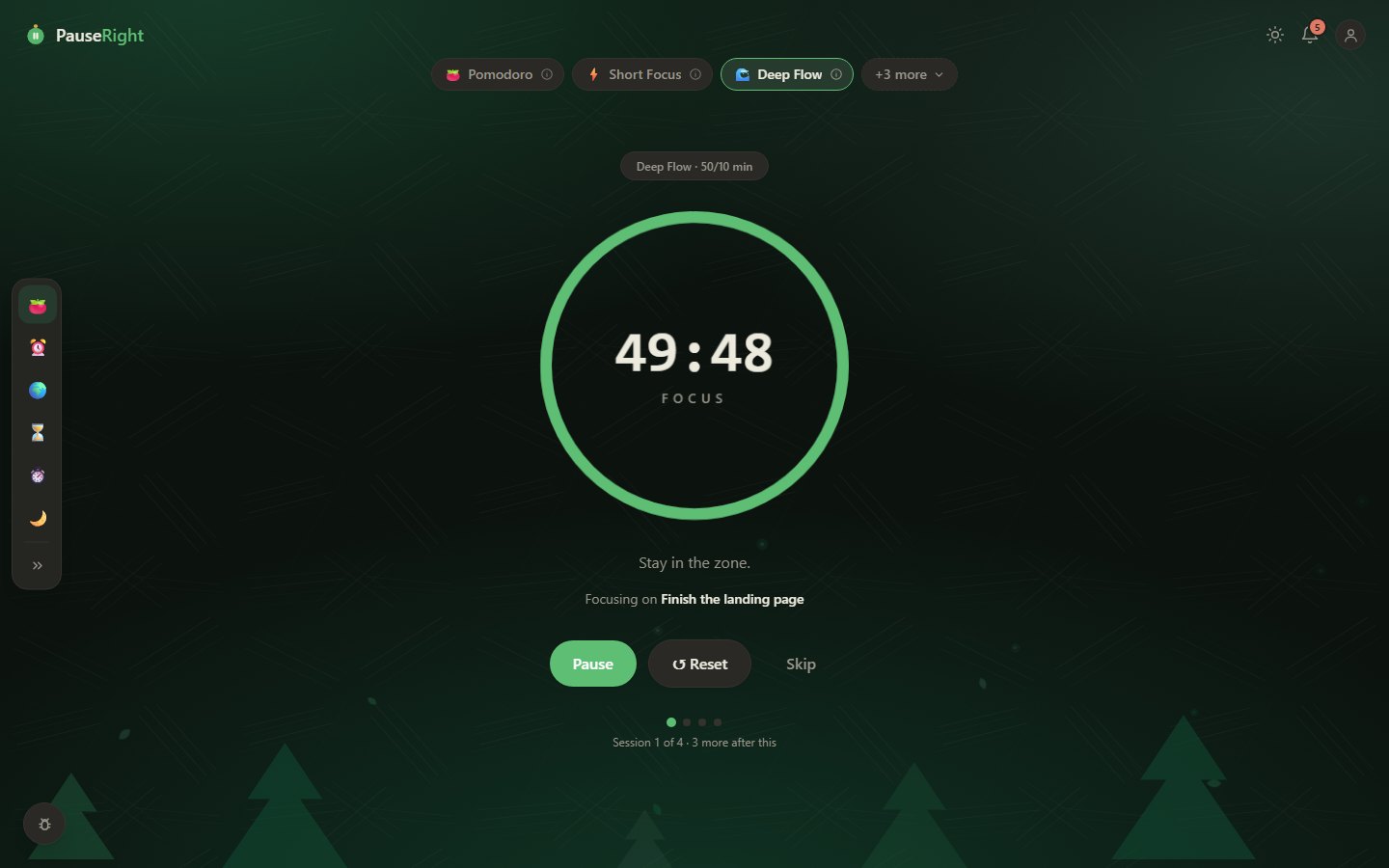
The numbers read focus / break. So 25/5 min means 25 minutes of work, then a 5 minute break, and around it goes. Edit any timing, or make your own mode from 30 seconds of focus up.
The classic rhythm with a 15-minute break every 4th cycle. The fixed beat makes starting easier and keeps energy steady across the day.
A gentler take for low-energy days or tasks that are hard to sit with. Shorter sprints lower the barrier to starting.
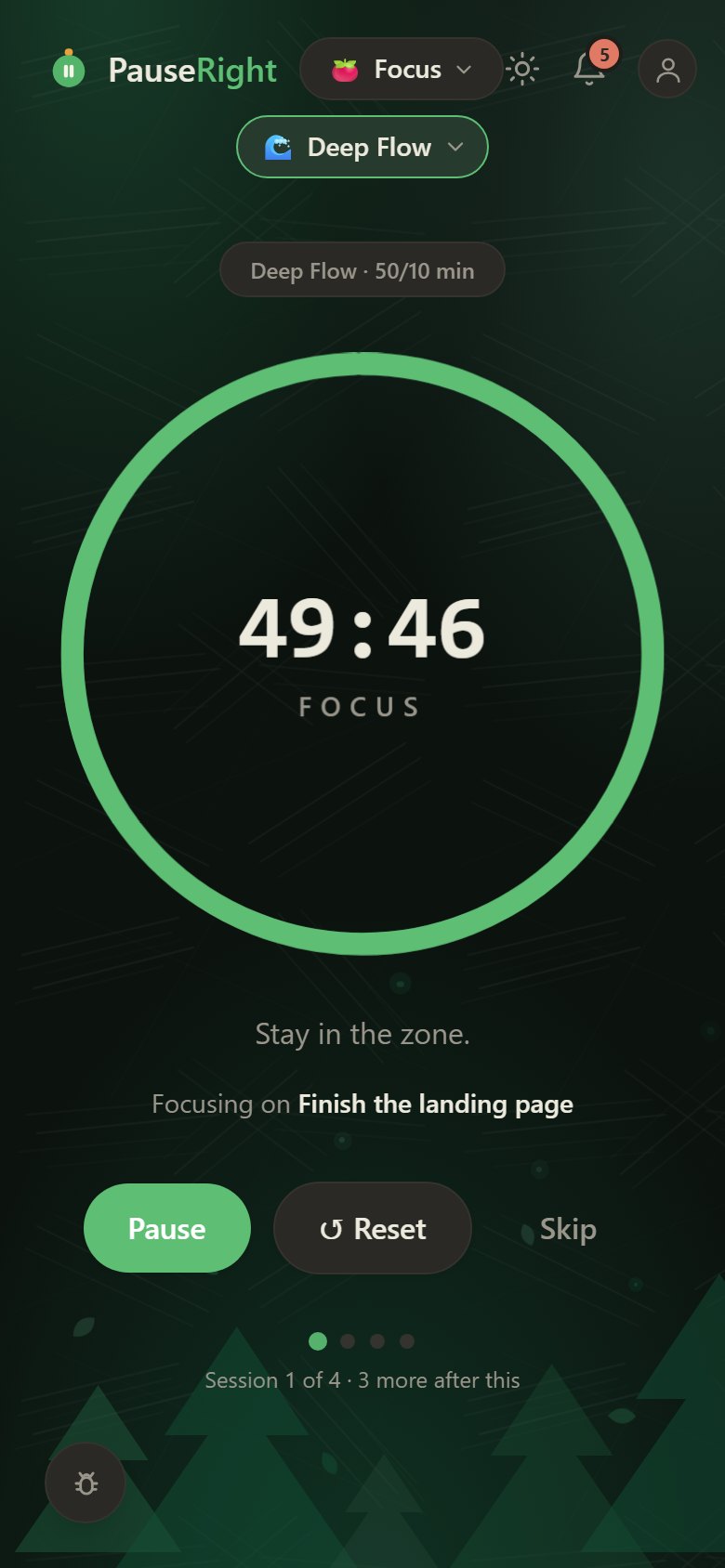
Fifty minutes of uninterrupted work, then a real ten-minute break. Longer blocks cut context-switching and give hard problems their warm-up time.
A full 8-hour day in 25/5 rounds: eight rounds, an hour for lunch, eight more, and the timer stops itself when the day is done.
Static sitting is what loads the spine. Standing up and stretching every 30 minutes relieves the back, neck and shoulder strain that builds at a desk.
The 20-20-20 rule: every 20 minutes, look at something 20 feet away for 20 seconds. It relaxes the focusing muscles and eases dry, tired eyes.
Name it, pick the focus and break lengths (30 seconds to 4 hours), choose how many cycles, add a long break if you want one, and give it an emoji. It shows up next to the built-ins on every device you sign in on. You can also change the timings of any built-in mode, and it stays changed. No "(custom)" copies, no reverting.
Each mode carries an ⓘ with the reasoning and the sources behind it: the Pomodoro Technique, the micro-breaks meta-analysis, the AAO's 20-20-20 guidance. You are never asked to trust a number you cannot check.
Mobile browsers block web notifications, and notifications are the whole product. So the Android app is native where it counts: the alarms belong to the system, and the focus lock is real.
A small native shell around the same app (what you see here is the app itself), so a reminder reaches you while the app is running, even minimised behind your other windows, it can start with your computer, and it adds the one feature only a desktop can do honestly: the Work Diary.
Finish a cycle and actually take the break: that is what earns points. Coins are earned, never bought, and rest is never for sale.
Hit your daily goal and the streak grows. Freezes catch a slip, holiday mode pauses it at no cost, and a few coins repair a missed day. No shame screen.
Small, honest goals that pay coins and a chest. A fresh set lands every Monday.
Pair with a friend by code, chat between sessions, share a duo streak, and send each other coins when one of you is flagging.
Pick a companion at the end of onboarding. They cheer when a session completes, wave you off on a break, and look a little sad when a streak is about to slip. Hover or tap a card to meet each one. Rename them anything you like; the name stays with that character.
Seven accent colors and a set of ambient scenes (forest, ocean, blossom, ember and more), with particles that drift identically on the phone and the desktop. Every scene stills while a work phase runs. The companions stay green whatever accent you pick.
"I have tried every Pomodoro app. This is the first one where the break actually pulls me out of the chair. The posture mode has done more for my lower back than the standing desk did."
"The focus lock is brutal in the best way. I set it to soft, and the second I open Instagram it drags me back and asks if I want to pause. My thesis is grateful."
"What sold me: the streak has a free holiday mode. It is the only app that has ever let me rest without punishing me. Also Momo is adorable and I will not be taking questions."
"I run it on the desktop all day. The Work Diary is weirdly motivating: a score per ten minutes, nothing creepy, and the 20-20-20 mode finally got me to look away from the screen."
"My study partner and I paired up with a friend code. The duo streak is the only reason either of us showed up at 7 am all of exam week. We send each other coins when one of us is flagging."
"The Workday mode runs my whole 9 to 5 now: sixteen rounds of 25/5, lunch in the middle, and it stops itself when the day is done. And the whole thing is free."
The same drift-proof engine runs a full clock suite, on every platform. On the phone it is the bottom bar: Focus · Alarm · World · Timer · Watch · Bed.
Everything is there to try on the web right now. The Windows and Android downloads open a little later; here is exactly where each platform stands today.
Nothing to install. The full timer, the dashboard, the clock suite, the SEO tools at /pomodoro-timer and /20-20-20-timer. Remembers your setup on this device even without an account. Reminders arrive while a tab is open.
Open the web appAny desktop browser.Reminders even when the window is minimised, can start with your PC, and a Work Diary that counts activity without recording what you type.
Download for WindowsWindows 10 and 11. The download link opens soon.System alarms, the focus lock, the break pull-back, the full dashboard. It comes through Google Play, and before launch Google asks for a group of testers. Help test it: leave the Google account email you use on your Android phone and we will send you an invite.
Only the test invite and the launch day email, nothing else. Privacy🍎No iPhone, iPad or Mac app yet. Those come after Android reaches the Play Store. The web app is built for desktop browsers; on a phone, the Android app is the one to use.
